

Private two-factor authentication — your codes stay on your device.
Preview
Highlights
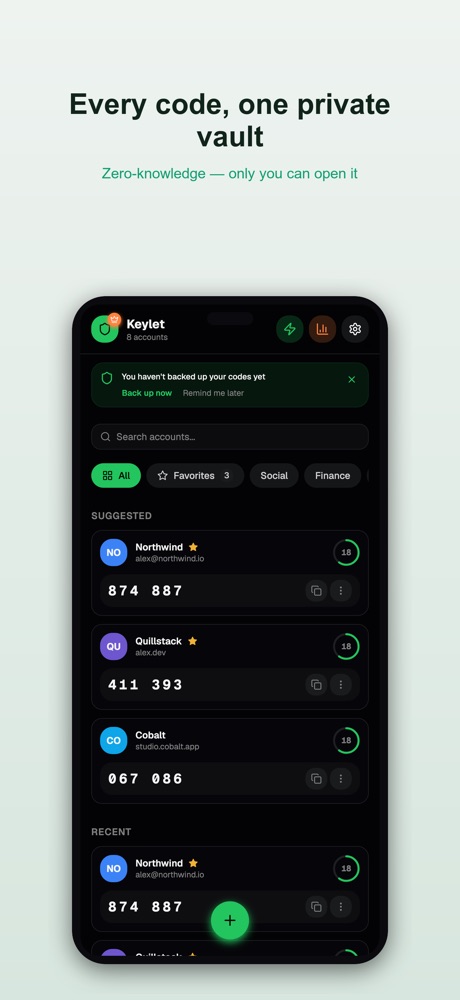
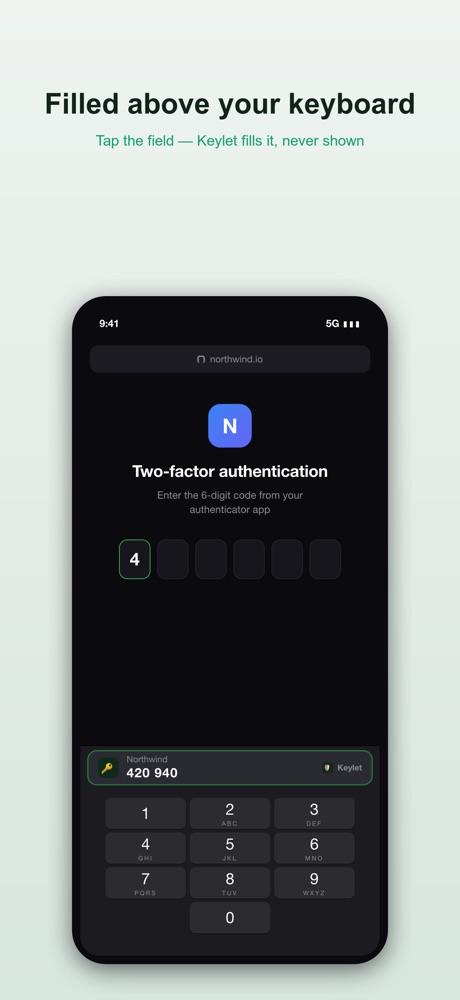
- Fast 2FA codes with iOS AutoFill
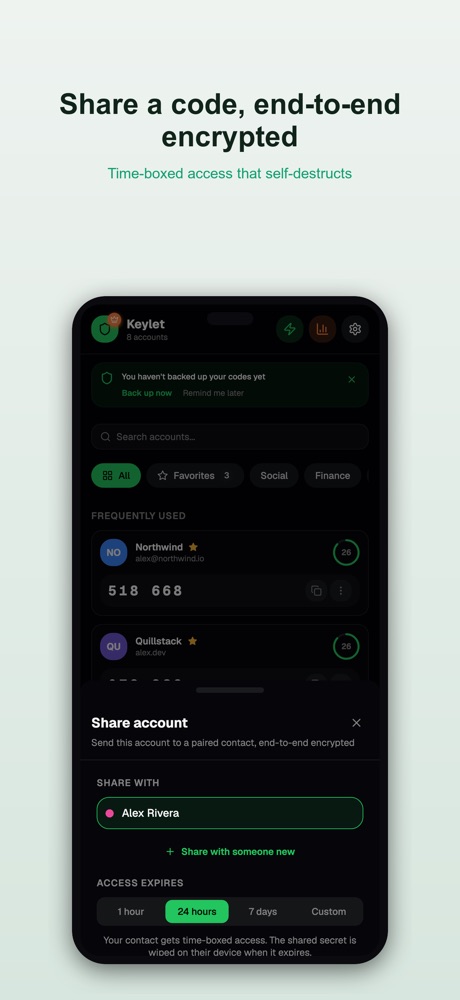
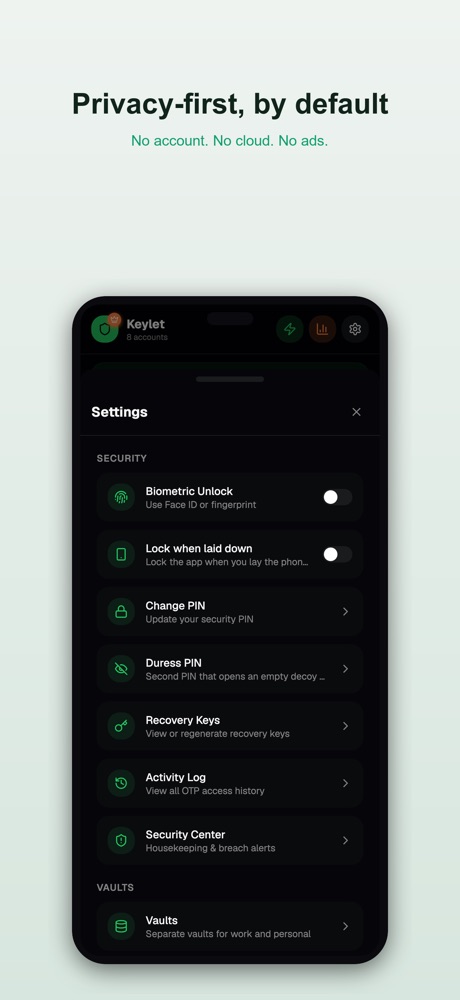
- Everything encrypted and on-device — no account, no tracking
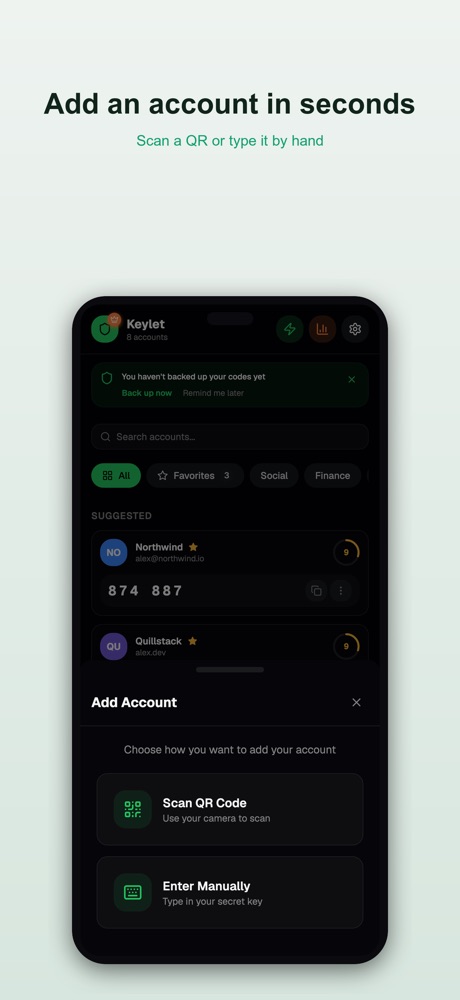
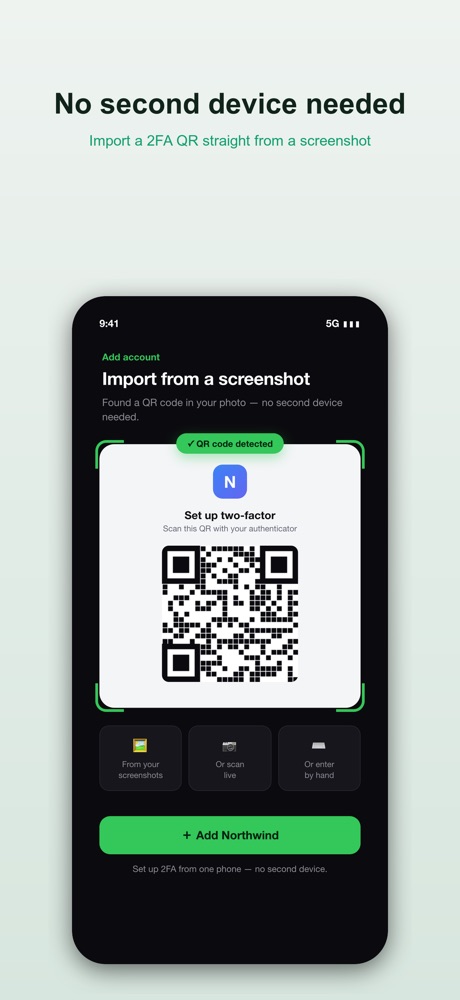
- Add accounts by QR scan, screenshot import or manually
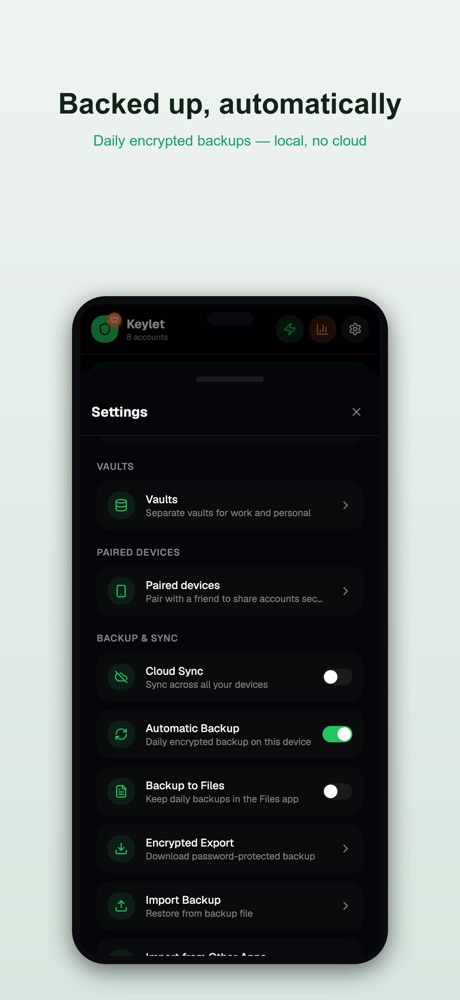
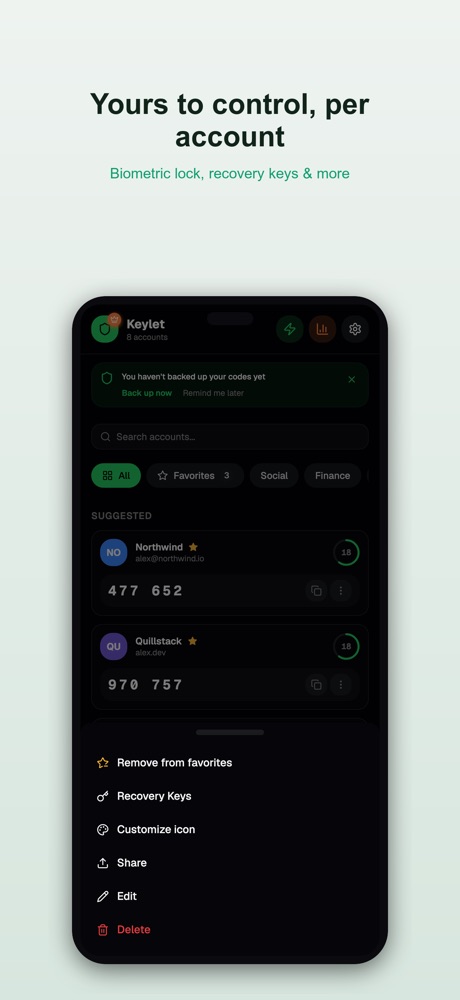
- Biometric lock, multiple vaults and encrypted backups you control
About this app
Keylet — privacy-first 2FA, volledig op je toestel.
Keylet genereert je tweestapsverificatie-codes (TOTP) lokaal op je iPhone, iPad en nu ook je Apple Watch. Geen account, geen server, geen cloud — je sleutels verlaten je toestel nooit.
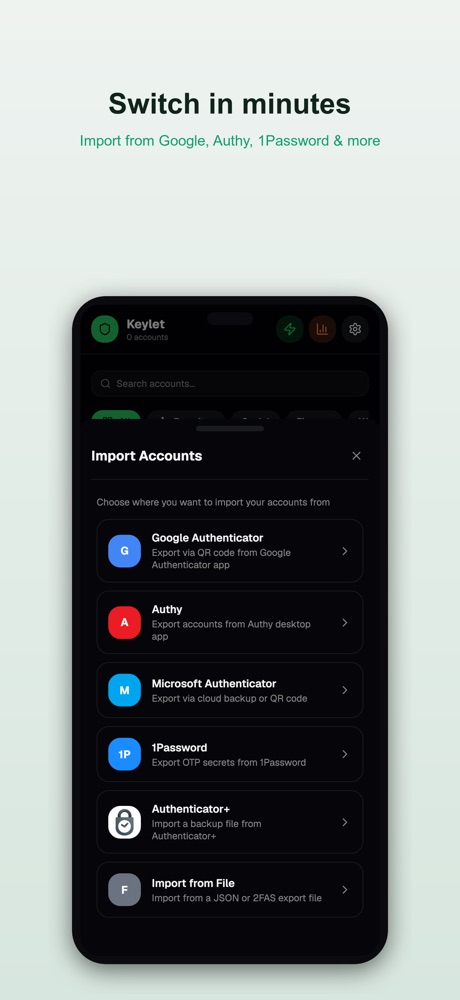
Waarom Keylet • Echt privé — alles on-device en versleuteld. Niets te onderscheppen, niets te verkopen. • AutoFill — vul codes direct in op websites en in apps, zonder kopiëren-plakken. • Snel toevoegen — scan een QR, importeer een screenshot, of voeg handmatig toe. • Importeer eenvoudig — uit Google Authenticator, 2FAS, Aegis, Ente en Authenticator Plus. • Apple Watch — je codes om je pols, met aftellende timer. • Meerdere kluizen — scheid werk en privé. • Veilige back-up — versleutelde back-ups met je eigen wachtwoord; jij houdt de controle. • Werkt offline — codes werken altijd, ook zonder internet.
Geen abonnementsdwang voor je beveiliging. Geen tracking. Gewoon je 2FA, zoals het hoort: van jou en alleen van jou.
Updated 22 Jul 2026